AI Coat & Jacket Packshots: structured shoulders and rich leather grain.
Give your outerwear the architectural presence it commands. AI rebuilds padded shoulders, sharpens notched lapels, and magnifies wool and leather in 30 seconds.
The 3 physical hurdles of smartphone coat photography
Heavy wools, stiff leathers, and tailored shoulder pads make casual phone snaps look deflated.
Collapsing shoulder pads and limp sleeves
Without a rigid tailor's bust, blazers and coats lose their shoulder silhouette. The sleeves droop limply, devaluing fine tailoring.
Crushed notched lapels and sherpa collars
Tailored lapels and plush shearling collars lay flat awkwardly, hiding horn buttons, milanese buttonholes, and silky inner linings.
Loss of depth on dark wool and black leather
Under smartphone flash or ambient room lighting, dark overcoats become flat black blobs, completely hiding seam details and rich textures.
3 Packshot Styles in 1 Click: Which is right for your Outerwear?
Highlight artisanal tailoring and robust outerwear construction.

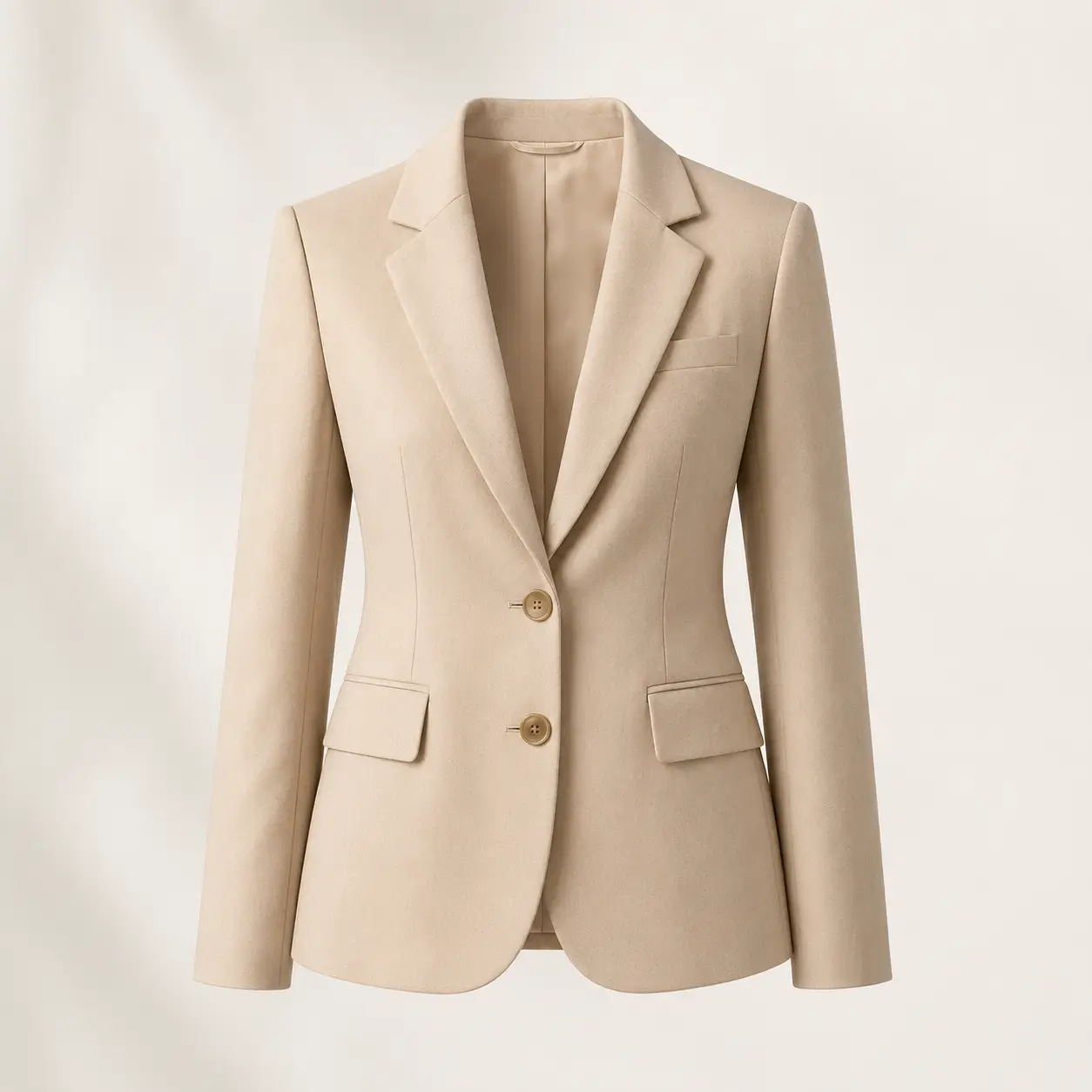
Structured Pro Flatlay
The jacket is positioned with symmetrical front quarters, gently folded sleeves, and neatly aligned zippers or buttons.
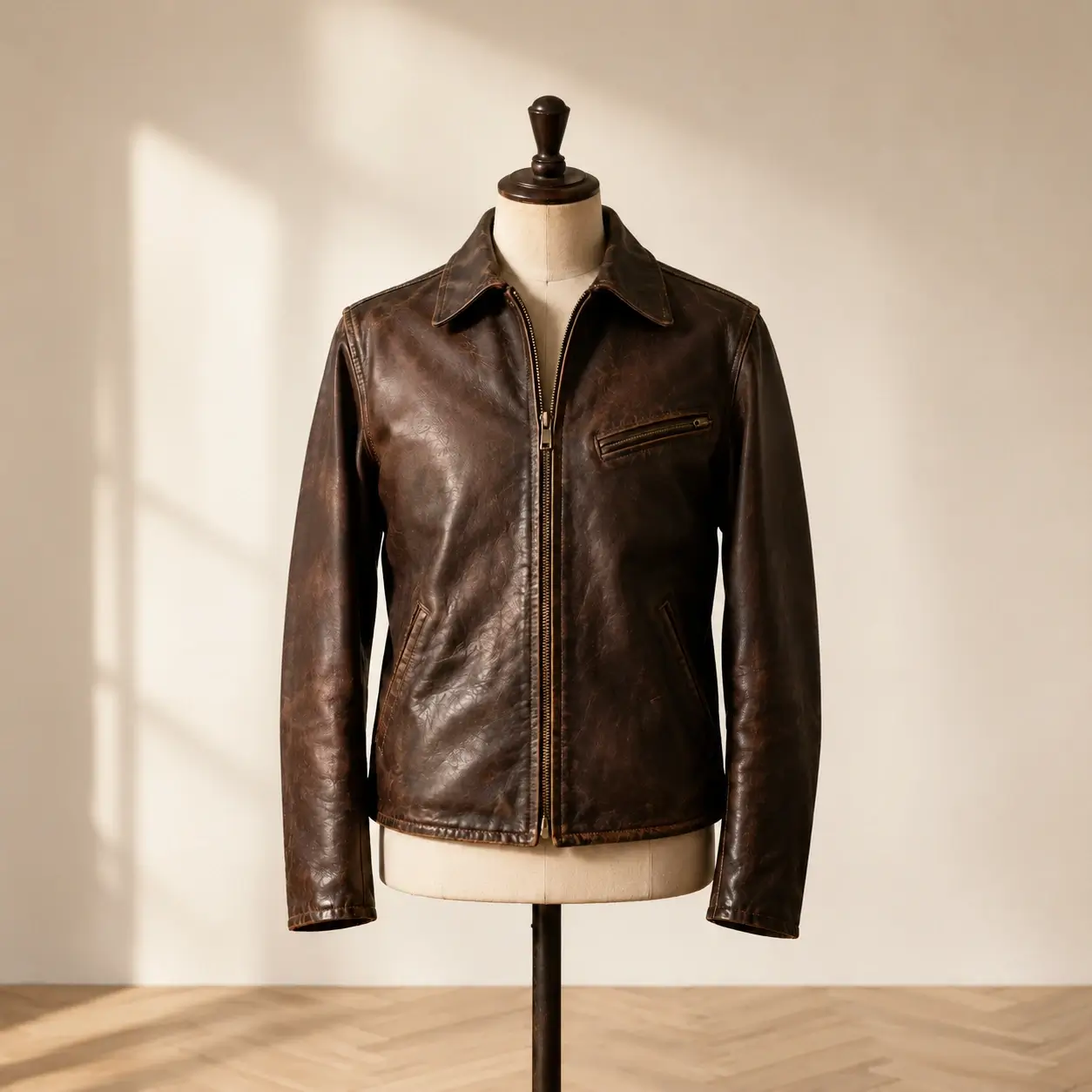
Sculptural 3D Ghost Mannequin
AI reconstructs a broad chest beneath the coat, opens the lapels to reveal inner lining, and conveys an impressive heavyweight drape.
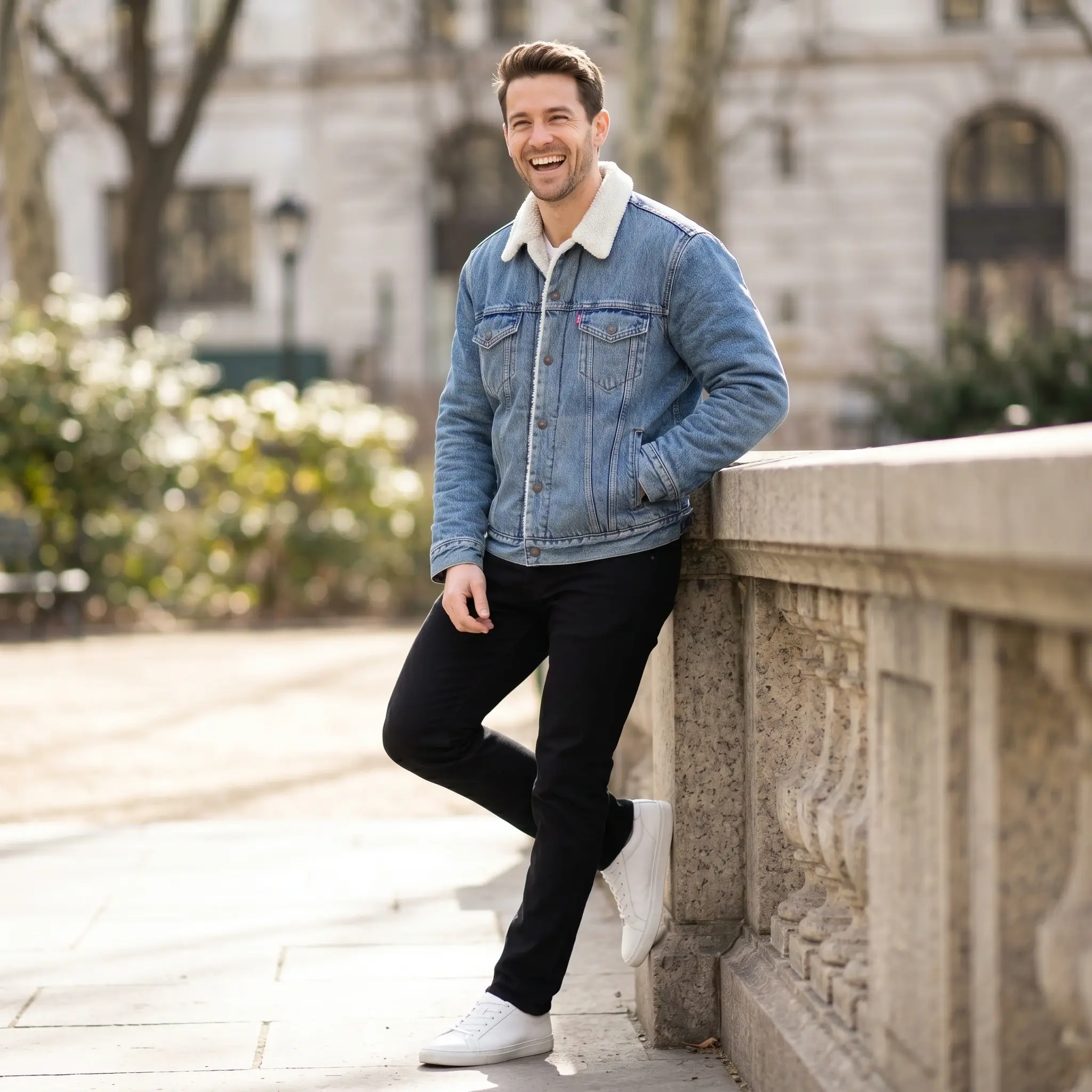
Premium Virtual Model Staging
Display your jacket on an elegant virtual model in chic outdoor architecture or dramatic Rembrandt studio lighting.
Smartphone Protocol: Prep your Coat in 30 seconds
How to achieve bespoke Savile Row tailoring presence without a photo studio.
Fasten the middle button or zip halfway
On a tailored blazer, fasten only the waist button. On leather jackets and bombers, leave the zipper half-open to reveal the lining.
Shoot straight-on at sternum level
Keep your smartphone perfectly level to keep lapel lines straight and avoid any optical keystone perspective distortion.
Let AI sculpt the shoulder architecture
Our 3D engine detects shoulder padding, smooths armhole creases, and enhances the tactile grain of leather, suede, or wool.
Studio Photographer Tip
Use a lint roller before shooting: our 4K AI model will render every stitch and fabric grain with razor-sharp fidelity.
Frequently Asked Questions: Coat & Jacket Packshots
Everything you need to know about our AI studio processing and precision for this product type.
Explore Our Other Packshot Guides
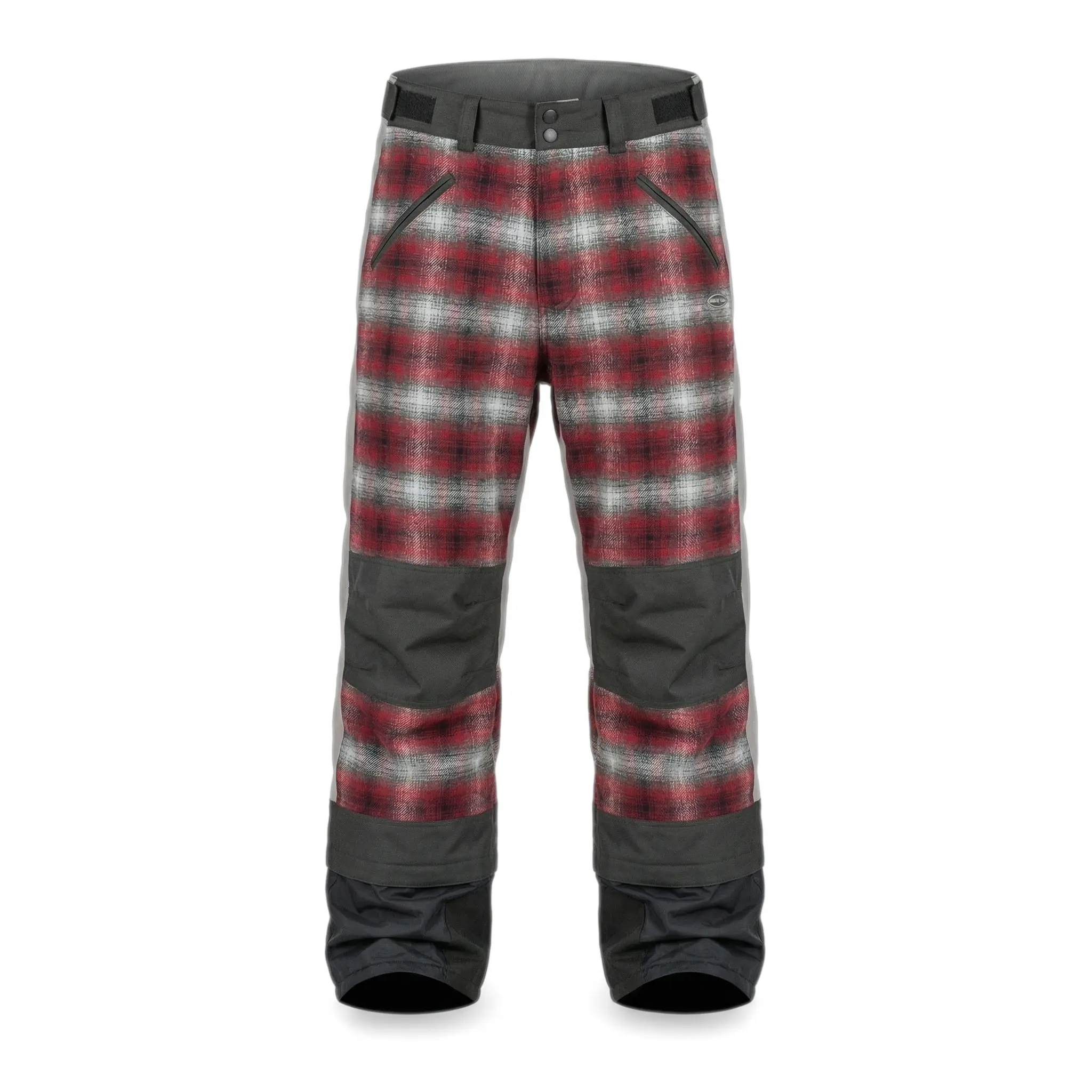
Discover how SnapPack adapts its image processing pipeline to the specific materials, weights, and volumes of each product category.



Pricing
Choose a plan that suits you
Choose a plan that fits your needs.
Running a Shopify store?
Install the app to manage your credits and plans directly on your monthly Shopify invoice.
Starter
-
50 images
-
Worn on mannequin
-
4K Images
-
History: 30 Days
Premium
-
150 images
-
Worn on mannequin
-
4K Images
-
History: 3 Months
-
Standard ProductivityAdd manual custom suffixes to your files for easier organization.
-
Multi-angle UploadCapture your product from multiple angles (front, back, details) so the AI perfectly understands its volume and details. Up to 3 images allowed. Essential for consistent packshots on all sides.
-
Custom Shape ModelsYou can choose and upload your own shape model to keep an exact positioning for your products.
-
Brand templates
Gold
-
350 images
-
Worn on mannequin
-
4K Images
-
History: 12 Months
-
Advanced ProductivityBarcode scanner, manual suffixes, and generation history retention up to 1 year.
-
Multi-angle UploadCapture your product from multiple angles (front, back, details) so the AI perfectly understands its volume and details. Up to 6 images allowed. Essential for consistent packshots on all sides.
-
Custom Shape ModelsYou can choose and upload your own shape model to keep an exact positioning for your products.
-
Brand templates
-
Custom Background
-
Priority Generation
-
Generation Presets (Bulk Mode)
-
Bulk ExportDownload all your generations at once in a single ZIP archive.
-
Bulk ImportUpload hundreds of images at once. Contact us to learn more.
-
Priority Support
Have a question or a bigger need?
Whether you want to produce a full catalog or simply understand which plan fits, we can review your case together in 30 minutes. You can also email us at contact@snappack.io.
Ready to upgrade your product pages?
Create your first studio visuals with SnapPack.
Upload your first smartphone photo and get a 4K studio render in under 30 seconds. Your first 5 photos are 100% free.