AI Shirt & Blouse Packshots: crisp collars and tailored plackets.
Say goodbye to hours of ironing and pin adjustments. AI smooths cotton poplin or washed linen, props up collars, and aligns button plackets with precision.
The 3 physical hurdles of smartphone shirt photography
Crisp collars and fine cotton weaves leave no room for photographic error.
Collapsing collar tips and uneven spread
Without collar stays or tension, spread, button-down, and mandarin collars flop sideways, projecting a sloppy, unrefined look for business attire.
Wavy, pulling button plackets
Between mother-of-pearl buttons, fabric bunches and wrinkles, creating wavy lines across the chest when photographed flat.
Micro-wrinkling across lightweight poplin
Lightweight cotton poplin wrinkles instantly upon handling. Even after steaming, smartphone cameras amplify micro-creases with harsh shadows.
3 Packshot Styles in 1 Click: Which is right for your Shirts?
Highlight formal sartorial precision or relaxed weekend elegance.

Impeccable Pure White Packshot
The shirt is centered on #FFFFFF, smoothed with precision folds, crisply fastened cuffs, and uniform studio lighting.

Sartorial 3D Ghost Mannequin
AI creates an invisible torso with a stiff upright collar, straight vertical placket, and visible inner back yoke lining.
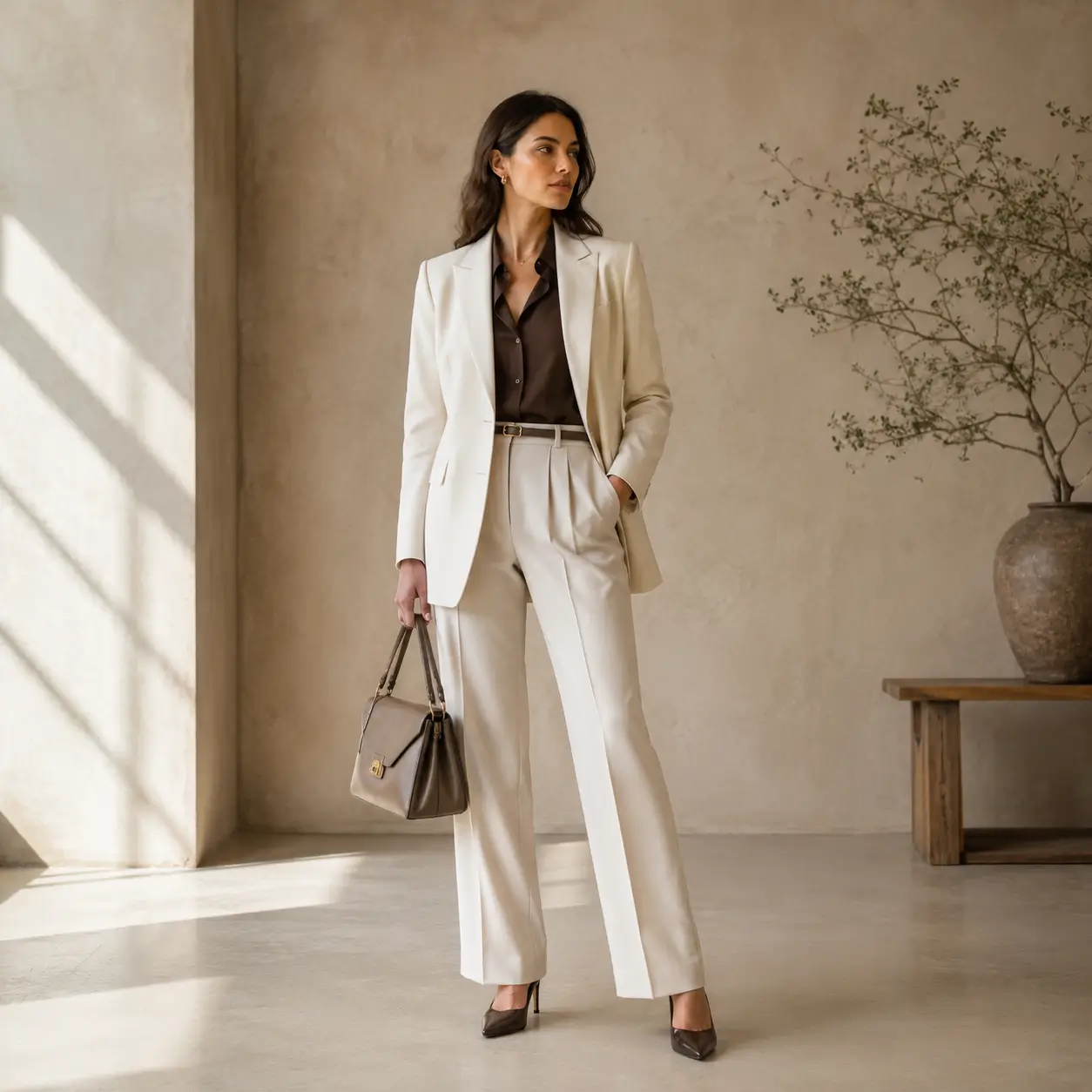
Sharp Virtual Model Staging
Place your shirt on a virtual model in contemporary professional settings (modern office, café terrace, or minimalist studio).
Smartphone Protocol: Prep your Shirt in 30 seconds
Save valuable studio time with AI-powered de-wrinkling and geometric alignment.
Button the collar band and alternate buttons
Fasten the top collar button and every other placket button to establish the garment's central axis without overworking small wrinkles.
Capture straight-on at third button height
This height prevents top-down perspective skew and keeps the front placket straight and vertical from collar to hem.
Let AI smooth poplin and stiffen the collar
Our engine applies smart digital pressing that eliminates wrinkles while preserving the authentic texture of washed linen or poplin.
Studio Photographer Tip
For pinstripe or micro-gingham patterns, stand back 2 meters and use 2x zoom to prevent digital moiré interference patterns.

Frequently Asked Questions: Shirt & Blouse Packshots
Everything you need to know about our AI studio processing and precision for this product type.
Explore Our Other Packshot Guides
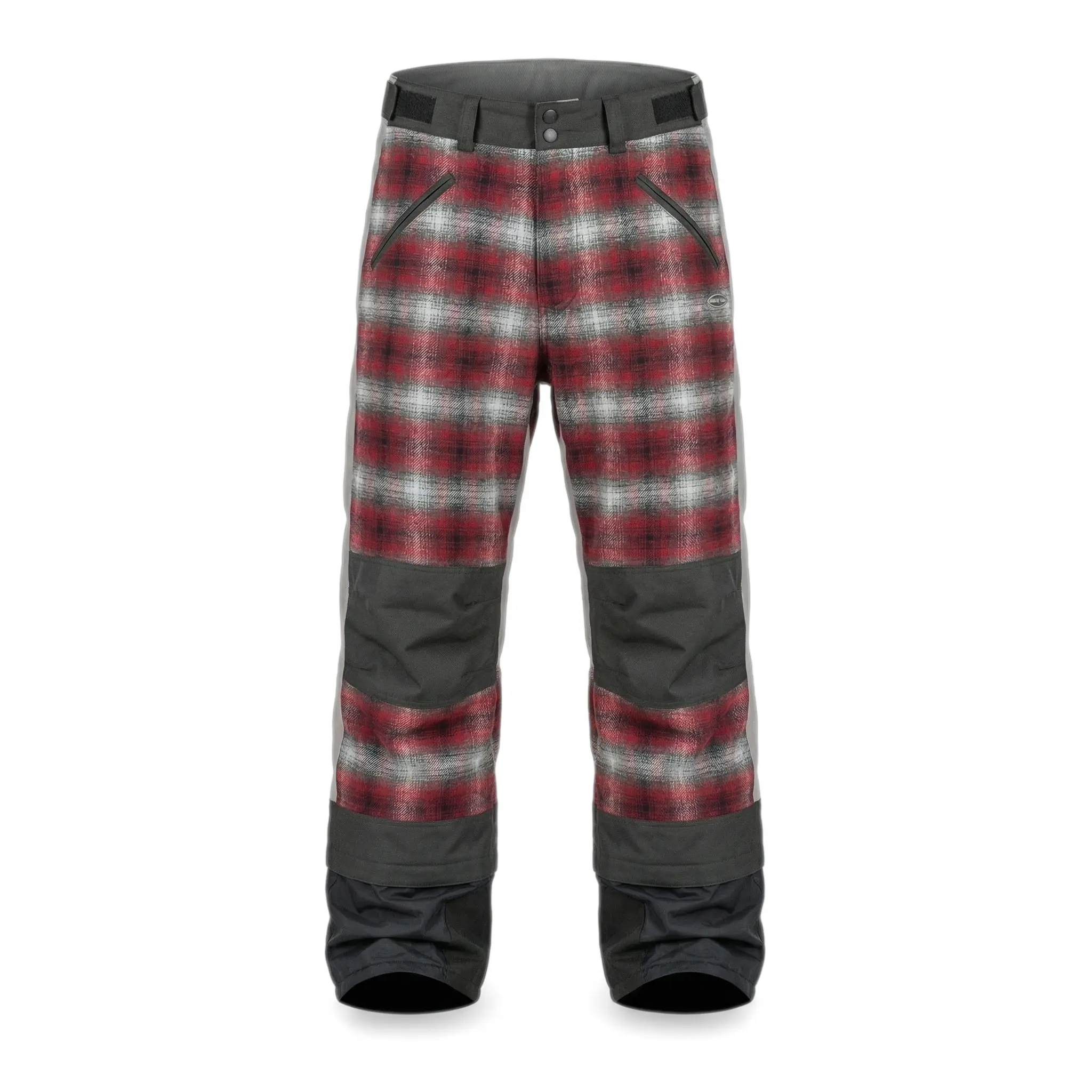
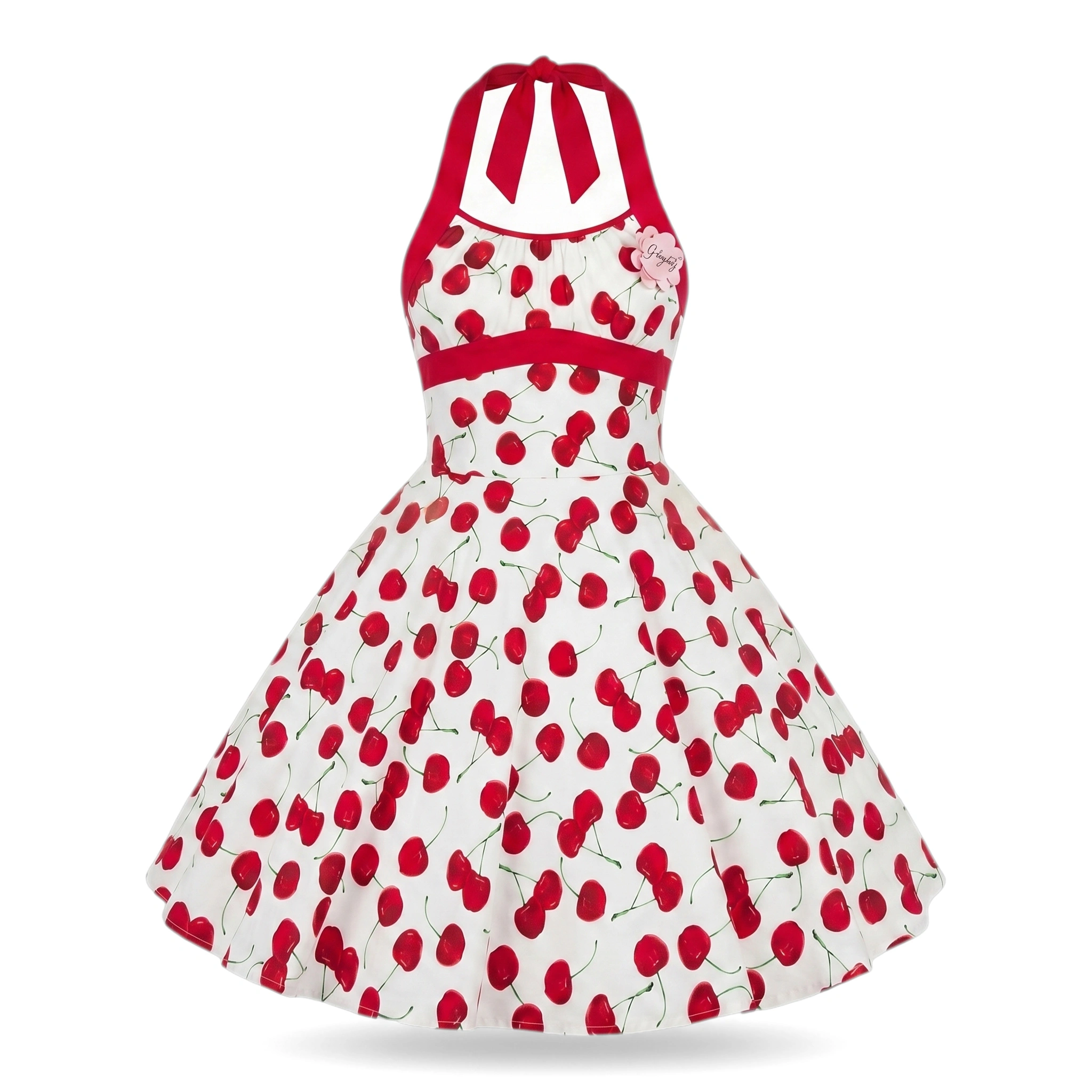
Discover how SnapPack adapts its image processing pipeline to the specific materials, weights, and volumes of each product category.


Pricing
Choose a plan that suits you
Choose a plan that fits your needs.
Running a Shopify store?
Install the app to manage your credits and plans directly on your monthly Shopify invoice.
Starter
-
50 images
-
Worn on mannequin
-
4K Images
-
History: 30 Days
Premium
-
150 images
-
Worn on mannequin
-
4K Images
-
History: 3 Months
-
Standard ProductivityAdd manual custom suffixes to your files for easier organization.
-
Multi-angle UploadCapture your product from multiple angles (front, back, details) so the AI perfectly understands its volume and details. Up to 3 images allowed. Essential for consistent packshots on all sides.
-
Custom Shape ModelsYou can choose and upload your own shape model to keep an exact positioning for your products.
-
Brand templates
Gold
-
350 images
-
Worn on mannequin
-
4K Images
-
History: 12 Months
-
Advanced ProductivityBarcode scanner, manual suffixes, and generation history retention up to 1 year.
-
Multi-angle UploadCapture your product from multiple angles (front, back, details) so the AI perfectly understands its volume and details. Up to 6 images allowed. Essential for consistent packshots on all sides.
-
Custom Shape ModelsYou can choose and upload your own shape model to keep an exact positioning for your products.
-
Brand templates
-
Custom Background
-
Priority Generation
-
Generation Presets (Bulk Mode)
-
Bulk ExportDownload all your generations at once in a single ZIP archive.
-
Bulk ImportUpload hundreds of images at once. Contact us to learn more.
-
Priority Support
Have a question or a bigger need?
Whether you want to produce a full catalog or simply understand which plan fits, we can review your case together in 30 minutes. You can also email us at contact@snappack.io.
Ready to upgrade your product pages?
Create your first studio visuals with SnapPack.
Upload your first smartphone photo and get a 4K studio render in under 30 seconds. Your first 5 photos are 100% free.